

Over the past two years, there has been a profound and significant impact on work experience. The expectations of employees concerning where, how and when they work has changed and continues to evolve. While these work evolutions affect all workforces, they have had a particular impact on sales professionals' expectations since they have needed to adjust to a more digital workplace while using outdated sales tools. As a result, Microsoft came up with a solution called Viva Sales. Read more
A hybrid office setup is a procedure in which a firm’s executives and employees work on-site and remotely. The idea is to offer workers and managers the best of both worlds.Read more
PC manufacturers such as Apple and Microsoft remove as many unneeded programs as possible from their current versions of macOS and Windows. However, certain old apps still bloat systems and should be uninstalled to eliminate clutter and prevent slowdowns. Read more
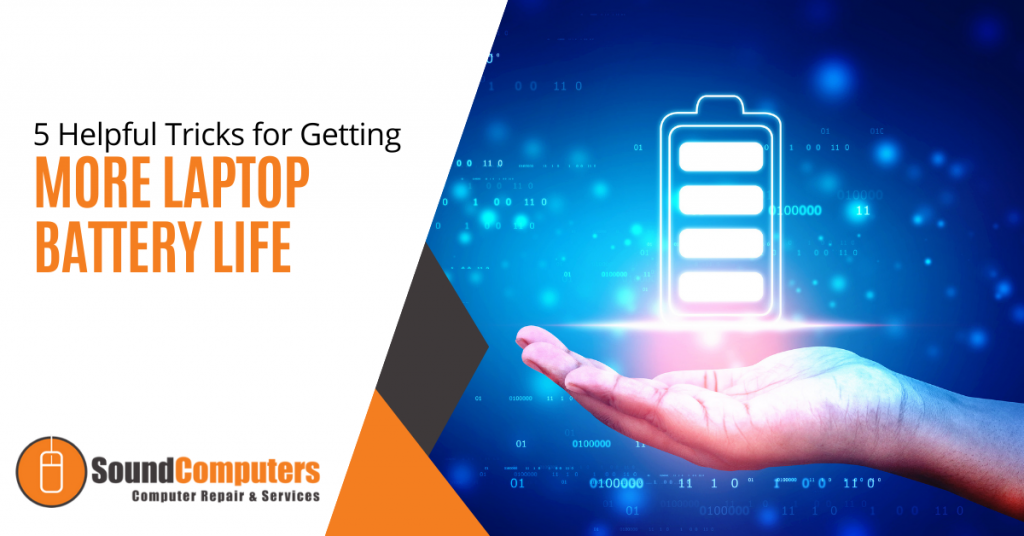
Laptops are more efficient and more powerful than ever before. However, they still need to be charged regularly. Although battery life is a regular cause of concern for laptop owners, there are a few tweaks and tricks that will give you more from your battery.
Take a look at these helpful tips:
1. Turn Off Wi-Fi
Wireless networking features incorporated into most laptops are one of the largest battery drainers. Wi-Fi continuously searches for a network when not connected which constantly drains the power.
If you're using your laptop off-grid, chances are you're away from wireless networks too. You can turn your Wi-Fi off. Most laptops come with a function button that lets you manually turn off the wireless adaptor to avoid wasting battery life. If you're using an older laptop model, it may not have this.
If you have an older laptop, click on the speech bubble icon in the taskbar to open up your notification center. Then click on Wi-Fi to toggle it off and on.
2. Turn Off Bluetooth
If your laptop has Bluetooth, turn it off when you aren't using it because it will drain your battery.
Press the Windows symbol in the bottom left-hand corner of a Windows 10 laptop. Then select the Settings icon. Toggle the Bluetooth icon to switch it off and on.
Using Windows 7 instead of 10? Then follow these steps. Select the Control Panel by pressing the Windows key once more. After that, press Network and Internet followed by Network and Sharing Center. From the left-hand side of the window, choose Change Adapter Settings.
On a Mac, simply choose the Bluetooth symbol in the top-right status bar and toggle the Bluetooth Off.
3. Invest In Battery Hardware
While good habits will help you stretch your battery life, you will need some assistance if you want to use your laptop for the whole day.
Although most laptops start with a six-cell battery, several manufacturers offer market upgrades to eight or even 12-cell batteries (which can quadruple your battery life).
If you can't get a higher capacity battery because it's too expensive, you can get a portable charger for your laptop battery. It will give you the much-needed extra hours for your laptop. These are usually small battery packs with adapters for most computers and smartphones. They are small enough to fit in a bag and have enough capacity to quadruple your charge time.
4. Keep It Cool
This tweak is one that most people overlook.
Excessive heat is bad for your processor. It's bad for your battery too. It is also bad if you place your laptop on your thighs. A hot battery goes bad faster than a cool one. It is important to stay away from the heat when using your laptop and when storing it.
According to Battery University, your batteries should always be stored at room temperature. A laptop battery loses only 4% of its overall charge after three months when stored in temperatures between 32-55 degrees Fahrenheit. But when you store it in hotter areas in the range of 80-100 degrees Fahrenheit, it will lose 20% to 30% percent of its overall charge in three months.
5. Turn Down the Brightness
Your screen brightness can quickly drain your battery life. If you're not using the laptop, try to keep the brightness low.
If you're using Windows 10, here is how to reduce the brightness. Select the Windows icon and then Settings. Select Display and slide the Brightness slider until you reach your desired brightness level. For Windows 7, click on the Windows icon. Select Control Panel and then Hardware and Sound. Now select Power Options and adjust the screen brightness using the slider.
Mac users can click on the Apple icon and then system preferences. Then select Display and drag the slider up or down until you are happy with your results.
If you're using a Chromebook, lower the brightness using the smaller sun icon and increase the brightness by pressing the large sun icon.
Conclusion
Next time you're having problems with your battery life, here are a few extra tweaks you can try out to get more laptop battery life:
- Turn on battery saver mode.
- Make sure there is enough RAM space.
- Unplug any device, such as a webcam or hard drive, that you aren't using to conserve battery power.
Looking for more battery tweaks? Perhaps you need a maintenance check? Get all of that and more from Sound Computers. Call us at (860) 577-8060 or schedule a consultation with our Contact Form now.

According to Accenture's Cost of Cybercrime Study, 43% of cyber attacks are aimed at small businesses but only 14% are prepared to defend themselves. Read more
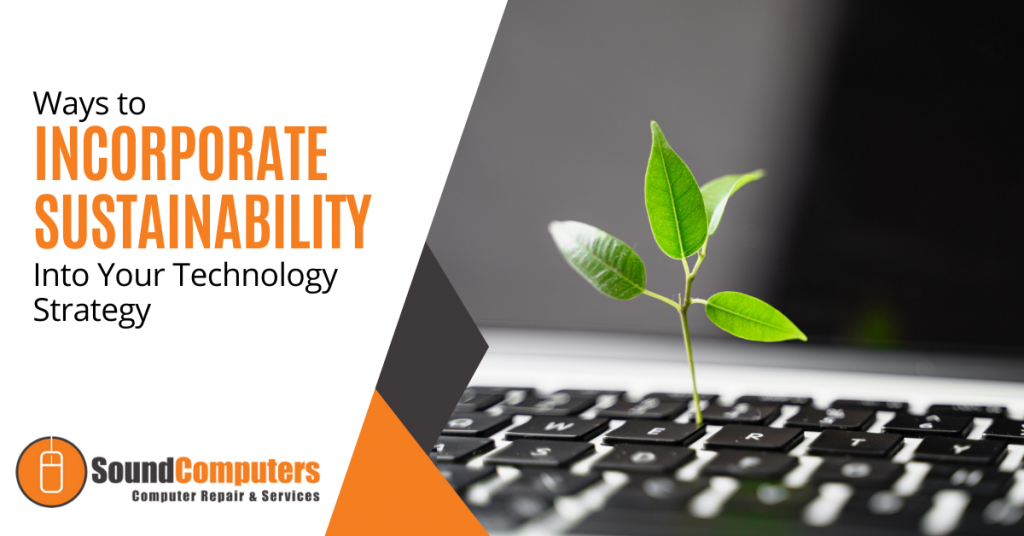
We all know that digital transformation is crucial for business competitiveness. However, from a sustainability perspective, technology can be detrimental to our planet. Forrester states that IT equipment is responsible for about 1.4% of total global carbon emissions and data centers currently consume close to 1% of electricity in the world.Read more

Aside from personal resolutions, the new year is also a great time to make business-focused goals. While goals in business typically relate to sales figures, we advocate that our clients also think about technology goals.
Every company is a technology company in today's world. Digital transformation has swept across sectors. Whether you are a retailer, hospital or manufacturer, you undoubtedly rely on technology for business operations.
Great usage of technology can be a business differentiator. A study done by the Boston Consulting Group found that companies that adopt new technologies quickly perform much better than their competitors.
The reason for this can be traced back to what customers crave today: speed, convenience and friendly service (as found by PwC). The last one is down to you. However, reaching high levels of speed and convenience today is impossible without the help of technology.
How can you use technology to boost your business this year? Here are the technology goals that we think you should make for the year ahead.
1. Embrace the Cloud
Legacy technology systems can prevent your business from growing and adapting as the world becomes more tech-driven. The cloud offers a scalable, flexible and cost-effective solution for small and medium-sized companies. As your business grows and shifts, cloud infrastructure evolves with it.
Cloud storage and backup are a must-have in modern business. This is even more crucial with employees working from home. We advise that you invest in cloud backup. This ensures that a copy of your data is stored in the cloud so that you won't lose it if your hardware stops working or there is a disaster.
A great cloud backup solution works in real-time and backs up company data on all corporate devices as your people work. The cloud also offers a convenient pay-per-use model that only charges you for the number of resources you use.
The one thing to keep in mind with the cloud is security. The cloud works via a shared responsibility model. This means that the cloud provider is responsible for securing the underlying infrastructure. However, it is up to you to make sure that the correct configurations and access controls are in place. This is proving tricky for many companies. Gartner predicts that 99% of cloud data breaches will be the customer's fault by 2025. If you need help securing your cloud resources, our dedicated IT support team can guide you through the process.
2. Be Ready for Anything
The pandemic has shown us that we never really know what will come next. A disruption could be around the next corner. It is challenging to plan for these unknown factors but you can boost your company's resilience so that you bounce back from a problem quickly.
We advise you to create business continuity, incident response and disaster recovery plans. These are high-level documents that guide you and your people through responding to an incident (floods, cyber-attacks, etc).
Securing these kinds of plans will help you respond to incidents calmly and efficiently which reduces the damage done to your business.
3. Harness Outside Expertise
Research indicates that 80% of small businesses are not taking full advantage of available technology. This statistic is a concern because technology has the potential to supercharge a business.
Many small businesses lack the in-house expertise to harness technology's potential. They stick to functional technology rather than exploring technology as a differentiator.
Even for small businesses with a dedicated IT person, this employee is often overwhelmed by tedious IT support queries which gives them no time to look at the big picture.
This is why we advocate IT sourcing. A great outsourcing partner can help you to discover new efficiencies through technology as well as ease the burden on your in-house IT staff.
4. Cover the Security Basics
Verizon found that 81% of breaches in 2020 were due to stolen or weak passwords.
Employees use memorable - but guessable - passwords like '12345' or 'password' far too often. Using these simple passwords makes you more likely to suffer a data breach.
Hackers search for low hanging fruit when they target your business. This means that they look for easy ways to break into your network. You can bet the first tactic they will try is entering easy-to-guess passwords.
Many small businesses think that cybercriminals won't target them. This isn't true. All businesses today hold sensitive data and that is what hackers are looking for. In fact, some cybercriminals will specifically target small businesses because they know their defenses will be weaker than a large corporation.
Improving your password policies is straightforward. Here are some tips that you should share with employees:
- Employees should use a mix of characters, special characters and numbers for their passwords.
- Employees must change their passwords at least every six weeks.
- Employees should maintain a unique password for each of their accounts.
- Employees should use a free password manager to keep track of different passwords.
Make 2022 the year you reach new heights!
Sound Computers can help your Connecticut business start 2022 with better use of technology so that you can create new revenue streams.
Contact us today to schedule a free consultation. Call 860-577-8060 or reach us online.

If you are a Microsoft 365 user, you are familiar with significant feature upgrades at regular intervals. Recent updates include things like the addition of webinar registration to MS Teams and the new Visio for the web app which is used for creating stunning diagrams.Read more

The much-anticipated update to the Windows operating system is now out and being rolled out to compatible Windows 10 computers. Windows 11 was designed to be geared toward a hybrid workflow, an increase in online communications during the pandemic and making the workspace as distraction-free as possible. Read more

Microsoft Edge was first introduced in 2015. However, it wasn’t really in widespread use until recently. It languished behind just about every major browser for years (including the Internet Explorer that it was replacing).Read more