

There are multiple pieces that need to be put together properly for everything to function well when constructing a building. There are electrical connections, pipes and plumbing, an HVAC system and many other necessary components.
If those pieces are put in without consideration for each other, you could end up with rooms that don’t have enough heat or pipes that end up running into solid walls.
Your business IT network is similar. There are many different parts that need to be considered when planning your technology infrastructure. These can include things like:
- Computers & other devices
- Wireless router
- Local area network (LAN)
- VoIP phone network
- Email network
- Remote workers
- IoT devices
If you are purchasing computers and other equipment piecemeal and adding it as you go to your office, you could end up with a business network that doesn’t serve you well and is disjointed.
Some of the problems you can run into with a poorly planned network are:
- Slow connections
- Constant drops of your internet connection
- Devices that can’t share data
- Endpoint security problems
- Lost business data
- Inability to properly serve your customers
Creating a Strong Technology Backbone for Your Company
Your business network is really the backbone of your company. Your network supports communication with your clients, vendors and the team within your organization. It ensures you can connect to cloud applications when you need them and, basically, just keep your business running in this technology-driven world.
When our experts at Sound Computers work on strategic network planning for Connecticut businesses, we look at the entire network structure and how each piece connects to the other.
Here are some of the important considerations when planning a great business network that will not only support you today, but also your growth for tomorrow.
Decide What Should Be Wireless & What Can Be Local
You can connect everything to your wireless network if you like but that is not very efficient. A local connection is faster than wireless and you avoid slowdowns due to network congestion that might come from a co-worker uploading or downloading a large file.
If computers in an office need to access an onsite server, that is something that you will want to connect locally where possible.
A strategic mix of wired and wireless networks can improve the speed and quality of all your network connections overall.
Plan an Efficient Communications Network
Your network is what enables you to communicate with your customers from anywhere. It plays a big part in your overall level of customer service.
Are you able to answer calls just as easily when you are on the road as when you are at the office?
Do you have an email system that can alert you when an important customer message comes in?
Customer service is one of the most important factors when people decide to do business with a company. 90% of surveyed consumers rate an “immediate” response as important and 60% of them define that as 10 minutes or less.
Parts of your communications network that you should optimize with help from an IT professional include your email communications network and VoIP phone system.
Enable Efficient Remote Server Access
Your remote network is especially important now due to stay at home orders because of the pandemic. It is also an important part of your business network strategy that can enable easy access to programs and files whenever and wherever you need them.
Optimizing your remote access network can ensure security of remote connections so hackers can’t exploit them. It can also facilitate fast connections so you are not waiting ages on a cursor to move when logged in remotely.
Have Your Networking Done Properly
When a network is not installed properly, you can end up with a tangle of cables, inefficient connections and safety issues.
Networking should be laid out and installed by a professional. This provides several important benefits such as:
- Your network is installed according to safety standards
- Your network is optimized for high-quality communications
- Easy to expand your network in the future without major cost
- Reduces the risk of dropped connections
- You have the support you need when you have a question.
Look at Different Types of Wireless Router Devices
As your office grows, so do your wireless network demands. If you are using a single wireless router, you can end up with traffic congestion and problems like weak spots or signal dead zones in certain areas of your office.
You want to explore your options as you grow by looking at other solutions like mesh networks. Mesh networks are like having an army of tiny routers placed throughout your building. They give an overall blanket of strong Wi-Fi connection and make it easy to extend your network farther when needed.
Get Help with Your Network Strategy from Sound Computers
Sound Computers can help you ensure all parts of your business network are installed securely and running efficiently to support your company’s needs.
Contact us today to schedule a free consultation. Call 860-577-8060 or reach us online.
A technology infrastructure is a major part of a company’s operations. Workflows are often cloud based and business networks are not only isolated to a brick and mortar office. They often extend to employee homes. Due to the coronavirus pandemic and social distancing guidelines, many businesses in Connecticut and the rest of the country are using a remote workforce. This adds another facet to ensuring good network security.
Your network includes all data traffic going in and out of your business. Networks also are made up of the devices transmitting and receiving that data, applications being used online and both local and wireless network connections.
Securing that network is vital to ensuring the health and well-being of your company.
What types of threats do business networks face?
- 88% of organizations around the world experienced targeted phishing attacks in 2019.
- By the end of 2019, the average ransomware payment demand increased 104% to over $84,000.
- During the first three months of March, phishing attacks increased 667% due to the pandemic.
- The average cost of a data breach is $150 per each lost/compromised record, and breaches average 25,575 records.
The number of moving parts to a business network means that several security layers need to be used. The good news is that if you take the steps that you should to deploy cybersecurity best practices, you can protect yourself from a majority of threats.
80% of data breaches can be stopped by adopting cybersecurity best practices.
How Can I Secure My Network Properly?
Here at Sound Computers, we help CT businesses with a holistic solution to network security. It includes protections for remote connections, network monitoring, software like VoIP phones and more.
Here are some of the most important steps you should take to achieve network security at your business:
Secure Network Access with a Next-Gen Firewall
A firewall acts as a sentry to your business network. It monitors all network traffic for any threats and can stop things like malware, viruses and other network attacks.
Next-gen firewalls include AI (Artificial Intelligence) and machine learning that allow them to catch what are known as zero-day threats. These are malicious threats that are so new that they have not been cataloged in a threat database yet. Behavior monitoring is used to detect and stop them.
Use Strong User Authentication
Weak or stolen passwords is one of the main causes of data breaches. Multiple phishing campaigns go out daily with the intent of stealing user login passwords.
Using strong authentication means ensuring that users are employing strong and unique passwords for every login. The use of multi-factor authentication (MFA) is also key, as it can stop 99.9% of fraudulent sign-in attempts.
Use MFA to secure:
- Cloud applications
- Remote network connections
- Website logins
- Mobile app logins
- Bank, PayPal, and other financial accounts
Keep Operating Systems, Software & Firmware Updated
Patch and update management is another vital component to ensuring sound network security. You want to have a plan in place that keeps all computers, mobile devices and hardware (like a router or wireless printer) updated.
Those updates include vital security patches that fix newly discovered vulnerabilities in software that hackers can use to compromise a system.
Use a VPN for Remote Workers
Employees that are connecting to your business apps or logging in remotely to your server from another network can pose a risk. Whether they are using a home network while working remotely or on the road and using free Wi-Fi, you want to ensure your business data is not left vulnerable due to a wireless connection that is not secure.
Having all of your remote and mobile employees using a business VPN (virtual private network) makes sure that traffic is encrypted and secured even if the Wi-Fi network they are using is not.
Use an Advanced Antivirus/Anti-Malware Application
There are new forms of malware being created all the time so you want an advanced antivirus/anti-malware program that can detect the newest threats.
This involves tools like behavior monitoring to look for any strange system behavior as well as a technique known as “sandboxing” which puts a suspicious file into a simulated environment to observe the reaction.
All devices should be protected with an advanced antivirus application.
Train Your Employees Regularly
An important part of network security is keeping your users well trained on cybersecurity. Ongoing training is vital to ensure that users are made aware of the newest threats and how to spot them as well as any new company data security policies.
Training should include topics such as:
- How to spot phishing
- New threats being sent out by scammers
- What to do if they receive a suspicious email or text
- Proper sensitive document handling procedures
- Company policies for password security
- Physical device security (i.e. screen locks, etc.)
- How to handle home network security when telecommuting
Use Data Loss Prevention Tactics
A majority of the cost when it comes to things like ransomware infections and data breaches involves loss of company files.
The best way to prevent data loss is to have a reliable backup and recovery solution in place to ensure all data from employee devices is being saved properly in case it needs to be restored later.
Data loss prevention also includes using tools in software such as Office 365 that allow you to tag sensitive documents and automatically apply security polices such as “do not copy” or “do not send outside the company.”
Ensure Your Network is Secure & Protected
The Sound Computers team has over 20 years of combined technology experience. We can help your business ensure your network layers are in place and your company is protected.
Contact us today to schedule a free consultation. Call 860-577-8060 or reach us online.

This era has put every single organization in the whirl of technology so now most enterprises are utilizing computer technology to run their businesses. In fact, a recent case study shows that we have over 2 billion computers in the world as of 2019. Moreover, we have 5.11 million unique mobile users too! Many companies have entire IT departments while others hire a professional or two to cater to digital needs.
Read more
Strategic approaches and innovations are part and parcel of informational technology and related fields. Managed service provider (MSP) is another innovation that is partially related to the subscription model. (For more information on what an MSP is, visit this site for more information.)
The majority of the companies are more toward the services which are in the market and required by the IT support. They don’t feel the need of using the services which are related to a subscription model or the relatively new services.
Reasons for using MSP:
One of the reasons for the rapidly growing popularity of Managed Service Provider is the factor of stability. The MSP ensures the stability of the clients and is said to be inexpensive as well. However, another reason why companies are preferring MSP can be the usage of cloud servers. Companies are now digitizing their operations and for that they are using MSP.
MSP and IT support:
Managed Service Provider helps the company to notice the technical issues beforehand. This helps the company to understand the minor issues and also eradicates the chance of losses. However, regular maintenance and proactive services are required by the company to make sure that the network runs smoothly and effectively.
Benefits of utilizing MSP:
Managed Service Providers can be amazingly beneficial. This is especially true for the companies that need technical support and expertise. Maintaining the IT infrastructure can be difficult for companies which is one of the reasons for the preference of MSP. Mitigating the security threats and increasing the life span of the devices are two important factors of the Managed Service Provider.
1. Centralizing the network: System centralization is extremely beneficial as it consumes all the data in a single unit which helps in centralizing the network. Moreover, centralization speeds up the processes and improves the company data.
2. Increased support: System management and continuous monitoring help the IT system to be upgraded with no risk and increased cost. The systems will be updated without any support.
3. Efficient IT budget: MSP helps in budgeting the IT services in the most efficient manner. MSP will allow the systems to be updated without any extra cost which will eventually decrease hardware and maintenance costs.
4. Security and safety of the data: Outsourcing the data with MSP is no longer problematic as MSP is designed in such a way that it ensures the data management regulations and provides backup of the systems.
5. High-level productivity: MSP addresses the technical issues beforehand which saves a lot of time and money. Therefore, with the help of MSP, there will be minimal system failures and breakdowns which will help the employees to work more efficiently and productively.
6. Accountability of the service provider: The specialists associated with MSP are professional people with extensive IT knowledge which can help and guide you at every step. The employees can focus on their work while the assigned specialist takes care of the IT issues.
Nonetheless, to use any service one needs to study and explore it. To get a reliable service, you must look for a specialist who can guide you through the whole process.


It is an overwhelming decision to change traditional methods in business. But is it worth it? Most of the time, yes!
Reaching new levels in your business might mean there is a need for improved technologies to excel in this modern world. This is the case in implementing an ‘Enterprise Resource Planning’ system which is commonly known as the “ERP” system. As the name suggests, it helps businesses to resolve complex issues. It is advanced software that has now been adopted by more than 40% of corporations to increase their productivity.
The real question is, “Does it help to improve the productivity of any business?”
A business is more likely to boost sales when managed efficiently and employing time-saving measures. A solid ERP system implemented with the correct features can make a big difference when it comes to common inventory problems.
Today there are several issues driving manufacturing business such as labor turnover rates and even outsourcing making it less profitable. A successful business requires effective strategies to maximize profits with minimal resources. How do you do the same amount of work with less people and not burn them out? ERP is the solution to these modern problems whether be it resource planning or management issues.
Don’t stress about little things you cannot change. Start to focus on big things that you can change or improve. If you are thinking about how to share your burden with an ERP system and how it works, here is how it will help to increase productivity in manufacturing businesses:
Time saver:
Imagine what could have been done with that time that you spent organizing databases and order arrangements. Time is precious. Save it to spend on what grows your business. The best way you can buy yourself some extra time is by getting auxiliary help. This is where ERP comes in and saves a ton of your time by managing huge files sophisticatedly. It can manage the entire resources of your business from Human Resources to Finances and Clients.
Manages excel files:
What has been the most tiring of all tasks? Managing those immensely large excel sheets and keeping a check on them regularly. When I said it solves all the problems, I meant it. ERP systems will help you with all the complex processes despite the size and level of the organization. It can automatically get updates on information and maintains the flow of databases. Getting an awesome ERP system will cut down labor and save an enormous amount of time and energy.
Cost-reduction:
It drastically reduces the cost of labor and outsourcing which eventually helps to improve the quality of the product. When the quality of a product is upgraded, it affects sales and drives more clients towards you. It drops administrative expenses as well as operative costs. The costs saved from these processes can be reutilized for bigger and lucrative purposes.
It also reduces the amount of time spent digging around for human errors. Your finance department will thank you because the amount of inventory errors and shipping issues will decrease. Cycle counts and physical inventories will be a breeze. Workers will be happier and take pride in what they are able to accomplish without burning out. That leads to better employee retention and an invaluable knowledge base in those employees that stick around long term.
All three of the privileges above are interrelated to the effective management of business and ERP is a comprehensive way to increase parameters of each performance: gathering, editing, updating and managing information and databases. Most of the companies have already switched to ERP systems to improve productivity and minimize investment. In this continuously upgrading world, to run a successful business and to compete with large firms it is essential to keep up with the most modern ways to handle traditional problems at a low cost. An ERP system can transform methods to generate maximum workflow and maintaining product quality.
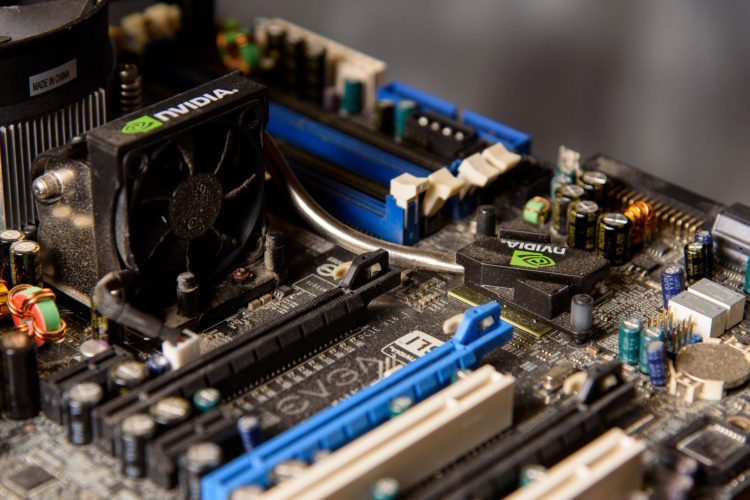
This question troubles a lot of people because it deals with the nuts and bolts of your network operations and also demands investing a hefty amount of money.
It is true that servers cost a lot. The question is if they cost more than the downtime caused by an aging server. Certainly not. Imagine the loss of precious data and potentially the loss of clients when the server goes down repeatedly despite multiple troubleshooting attempts. We are having a hard time imagining such a dreadful situation and surely you are too.

Using a slow computer network can be as boring as watching paint dry. Whether you need to make a video call, play an online game, or watch your favorite Netflix show, a poor network speed will absolutely ruin your overall internet experience. If you have some important business to deal with, it can understandably cause a lot of frustration.
Read more
It has been over a year since you purchased that new computer. The once lightning fast computer is starting to slow down. Tasks are seemingly taking longer and longer. You wonder to yourself, “Will this computer ever run as fast as it once did?” Wonder no more. Here is a list of 10 ways to whip your computer back into shape:
Read more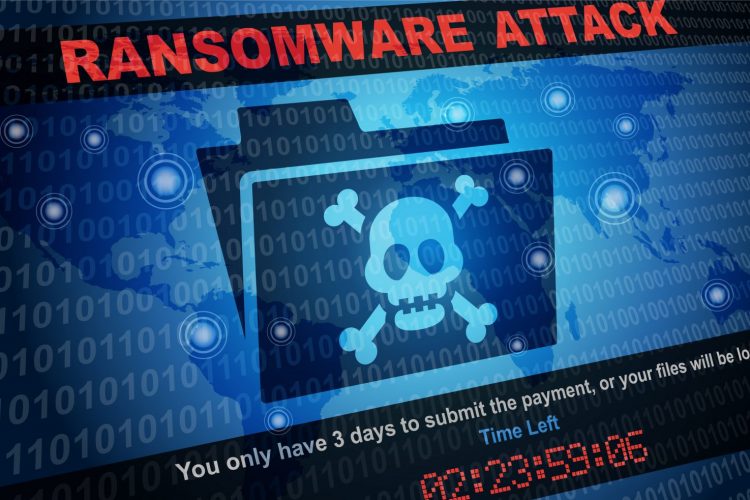
There were 204 million reported Ransomware attacks in 2018.
In 2019, we are on track to double that number. Protecting yourself is more important than ever. In this article, we will outline a series of best practices. After reading this, you will have a better understanding of ransomware and ways to protect yourself.
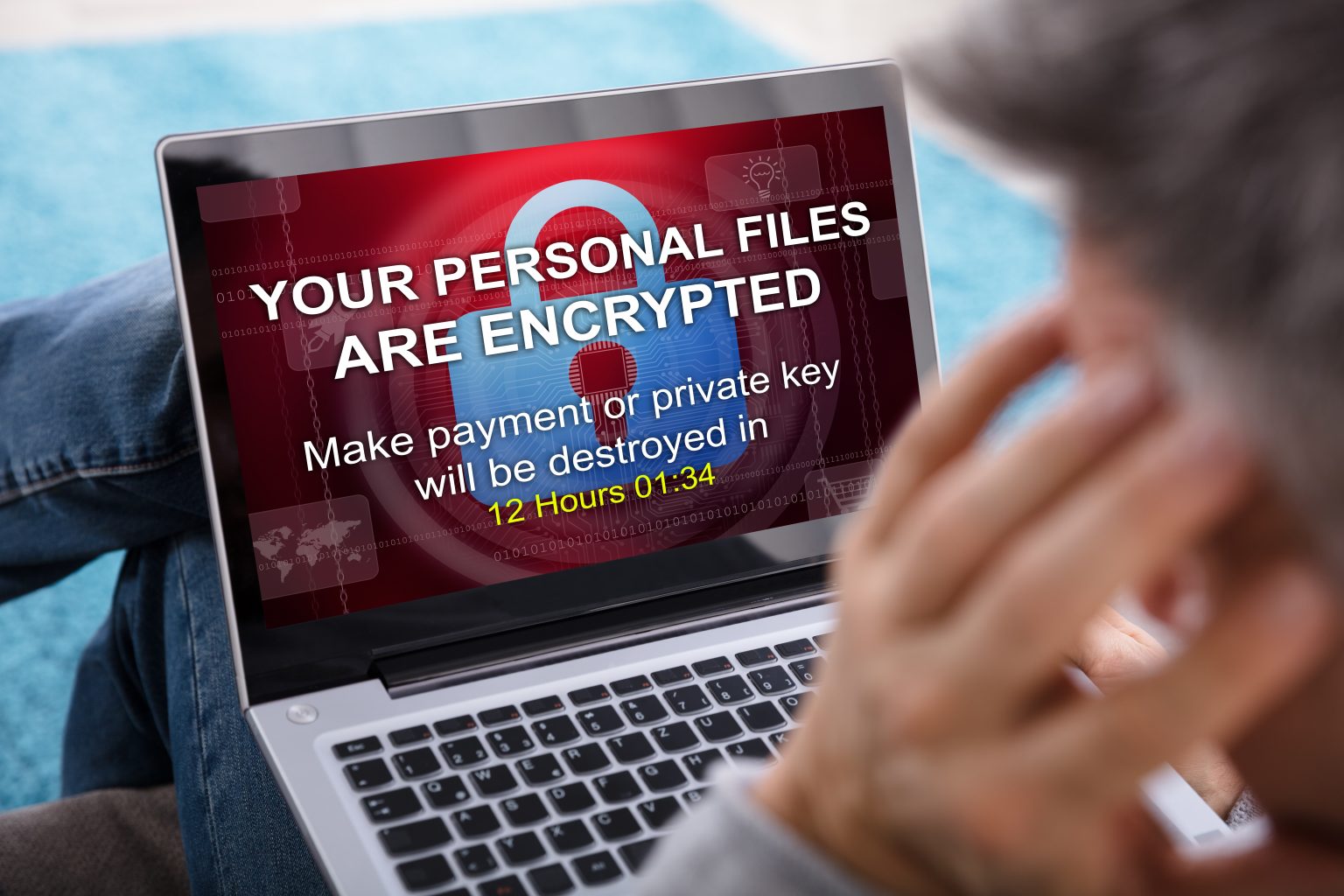
Ransomware is a type of malicious software. It will encrypt a victim’s files when installed which will cause you to lose access to them. Attackers will demand a sum of money to decrypt the files which will allow them further access. Once ransomware is loaded onto a victim’s machine, it will scan the local network and attempt to load onto other systems. Once infected, there are two courses of action: Pay the ransom or recover your files from a backed up version.
Paying Ransom
Security researchers and malware analysts recommended against paying ransoms until recently. After several large government agencies and municipalities paid the ransom and were able to recover files, some have changed their opinion. Paying ransom has drawbacks. First off, you are allowing the attacker to prove their business model is profitable which allows them to continue attacking others. Paying the ransom is no guarantee you will gain access back to your files. If you do decide to pay the ransom, first ask to have several of your files decrypted to verify their ability and willingness to help. Most attackers will ask for a payment through Bitcoin. Pay via bitcoin or other safe sites like Paypal which encrypt your information. Don’t ever give the attacker any information on your bank or give out your credit card number.
Restoring from backup
Recovering your data from a backup also has challenges associated with the location of where the data is backed up. It could have been encrypted during the initial attack. If you do have access to your backed up files, before restoring them you need to make sure that the ransomware has been removed and the attack method has been identified. After this, you can safely restore your files.
Best practices to safeguard
Practice good internet browsing habits along with caution when opening email attachments.
- Use the least privileged account necessary. If you have your main account set up as an administrator, it will give an exploited piece of software full access to your system. Set your account to the least privilege necessary to block further access.
- Have multiple backups. Have both an onsite and offsite backup. Periodically verify these backups. Rotate out an external drive for your local backup so you always have an isolated local version. Consider a backup software that creates bare metal images.
- Patch your software. Make sure your operating system and software are up to date. Applying security updates will eliminate known security vulnerabilities that attackers can exploit.
- Don’t open unknown files. Received an unexpected email attachment from a sender you know? Delete it and contact them. Attachments form an unknown sender? Delete the email without opening it. Downloading a new piece of software? Make sure the site is reputable that you download it from.
- Install anti-virus software. Many different security vendors offer protection suites with anti-ransomware protection.
- Practice good password habits. Use a password manager and ensure passwords are strong and not reused. Enable two factor authentication when possible.
- Use Firefox or Google Chrome as browsers along with installing an anti-scripting and ad blocking plugin. I suggest ublock origin.
Summary
Ransomware has become a serious problem with the ability to cripple entire networks. Make sure you follow good practices along with staying cautious. This will help protect you and ease the pain in the event of a ransomware attack. As with all computer vulnerabilities, there is no guaranteed method of protection.
https://www.us-cert.gov/sites/default/files/2019-07/Ransomware_Statement_S508C.pdf https://www.statista.com/topics/4136/ransomware/

So you asked your child what they want for Christmas and they enthusiastically responded, “A gaming computer!” You don’t know much about what that entails but you are willing to put it on Santa’s list. You have been told by your child that it is not just any computer. It has special attributes built to handle the demands of the gaming experience. Now how do you go about making their dream come true? Can you buy it or should you have it built? What features does it need to have?
Read more