
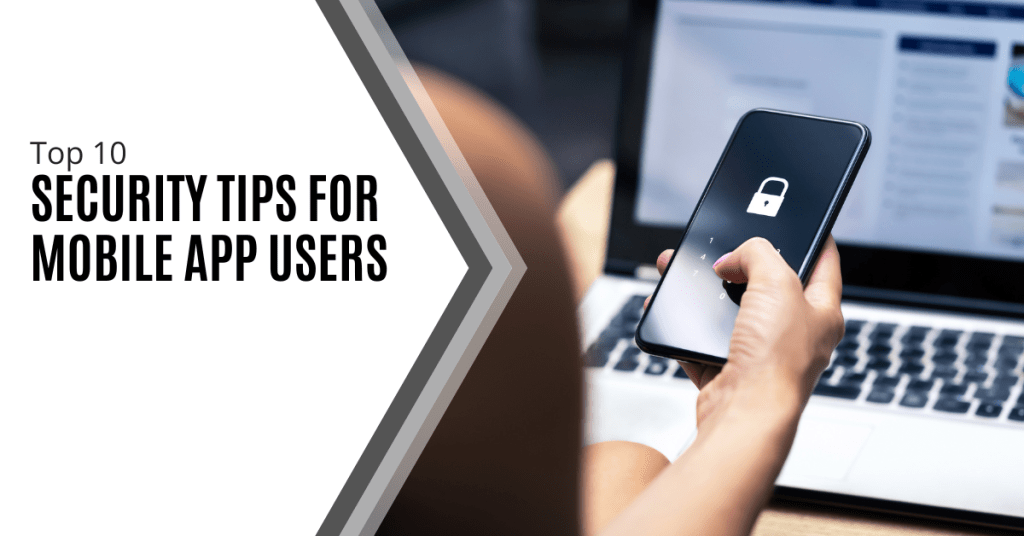
Mobile applications have become an integral part of our lives. We use them to browse the internet, network, communicate and much more. However, a mobile app opens us up to risks caused by fraudsters who may steal information or damage our phones.
According to 2024 data from Asee, over 75% of published apps have at least one security vulnerability. This means that 3 out of every 4 your favorite apps could be risky to use. It is important to be cautious while downloading and maintaining apps. Here are ten simple tips that can help keep your mobile apps secure.
Why Is Mobile App Security Important?
75% of apps risk our security and business apps are three times more likely to leak log-in information. These risks also include even the most popular apps. Those with over 5 million downloads still have at least one security flaw.
Using mobile apps is not always safe. There are many ways for hackers and criminals to steal your data. This can happen because of your internet connection, app permissions and more. We will cover ten essential security tips to keep your data safe when using mobile apps.
Top 10 Security Tips For Mobile App Users
Mobile apps can be dangerous but there are ways to reduce these risks. If you are careful about where you download apps, the permissions you allow and the internet connection you use, you can keep your data as safe as possible. Here are the top ten security tips for mobile app users:
1. Only download from official stores.
The first step of mobile app security is choosing safe apps. Some apps are not secure even when they look legitimate. It is important to be aware of the source before you click download. Always download your apps from the App Store or Google Play.
These stores check apps to make sure they are safe. Don't download from random websites. They might have fake apps that can hurt your phone.
2. Check app ratings and reviews.
Before you download an app, see what other people are saying about it. If a lot of people like it and say it is safe, it is probably fine. However, if people are saying it has problems, perhaps you don't want to install it.
3. Read app permissions.
When you find an app you want to download, stop and do research first. If you download a fake app by mistake, your device may be attacked. It can open you up to malware, ransomware and more threats.
Apps frequently request permission to access certain parts of your phone. Maybe they want to know your location or use your camera. Consider whether they really need that information. If an app requests access to too much, do not install it.
4. Update your phone’s operating system.
Keep the software on your phone up to date. New updates frequently patch security vulnerabilities. This makes it more difficult for the bad guys to hack into your phone.
5. Use strong passwords.
We use apps for many day-to-day tasks like sending emails, storing files and sharing on social media. If an app is hacked, your personal information can be stolen.
Passwords protect your apps. Make sure your password is difficult to guess. Use letters, numbers and symbols. Do not use the same password for all apps. That way if a person guesses one password, he or she cannot access all your apps.
6. Enable two-factor authentication.
Two-factor authentication means an additional step in order to log in. It can send a code to your phone or email. This will make it much harder for bad people to get into your accounts.
7. Beware of public Wi-Fi.
Public Wi-Fi is never a safe space. There may be bad guys watching what you do online. Never use public Wi-Fi on important apps. Wait until you are on a safe network to use apps for banking.
8. Log out of apps not in use.
Log out of apps whenever you are done using them. This is even more important when the apps hold personal information such as banking or email apps. In case someone steals your phone, it is much harder for them to access your apps.
9. Update your apps.
Developers of applications usually fix security issues in updates. Keep updating your apps whenever newer versions get released. It will help in safeguarding your information.
10. Use security features.
Lots of apps have additional security features. These may include fingerprint locks or face recognition. Switch these on if you can because they can help stop other people from using your apps. Even with these security tips, it is important to take other measures to protect your data. Be sure to follow our tips on safe downloads and data protection.
Stay Safe While Using Mobile Apps
It is not hard to stay safe with mobile apps. Just be careful and think before you act. Only download apps you trust. Keep your phone and apps updated. Use strong passwords and extra security when you can.
Remember that safety is in your hands. Don’t hesitate to ask for help with app security. For more mobile app security tips, feel free to contact us today.
In today's digital world, mobile apps have become an essential part of our daily life. From banking and shopping to social networking and entertainment, we use these applications for almost everything. Read more

In today’s digital age, our smartphones have become an extension of ourselves and hold a wealth of personal and sensitive information. As we increasingly rely on these devices for everything from banking to social media, ensuring their security has never been more critical. This article will explore ten essential mobile phone security tips that you can implement immediately to protect your data and privacy.Read more
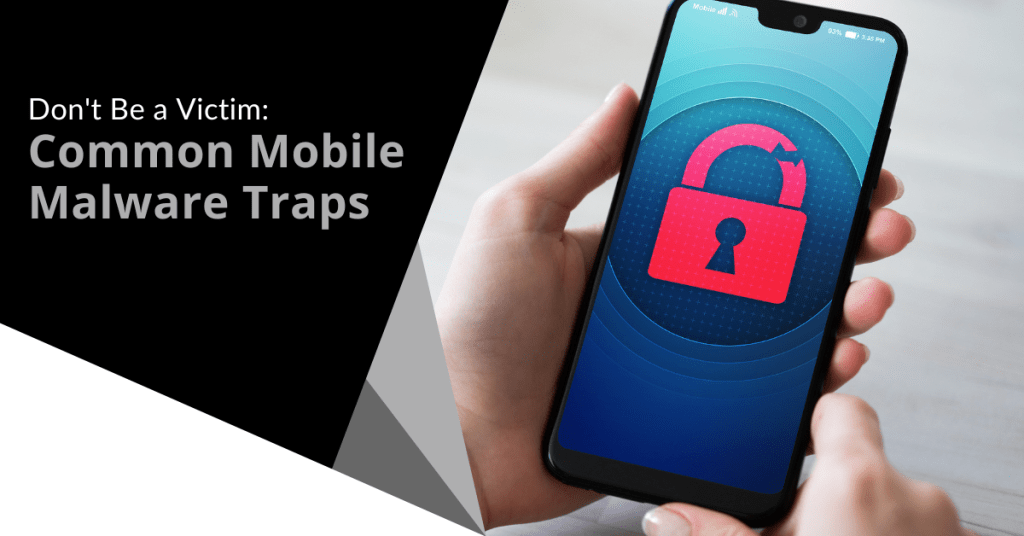
Your mobile phone is a digital wallet, communication hub and personal assistant all rolled into one portable device. It is packed with sensitive data such as financial information and personal photos. This makes it a prime target for cybercriminals.
Mobile malware is often overlooked. People focus on securing their laptops or desktops. They don’t pay as close attention to smartphone and tablet security.
In 2023, attacks on mobile devices increased by 50% over the prior year.
The fact is that hackers have not overlooked mobile devices. They set many traps to get users to infect their devices with malware. We will uncover common mobile malware traps and tell you how to avoid them.
Common Mobile Malware Traps
Mobile malware is just like its computer counterpart. It is malicious software designed to harm your device or steal your data. It can arrive in various forms such as sneaky apps and deceptive links. Ignorance is not bliss here. Understanding the common traps is your first line of defense.
- Phishing Attacks: These are the most common. You receive a text or email appearing legitimate and often mimicking trusted brands. Clicking links or downloading attachments can lead to malware infection.
- Malicious Apps: Not all apps are safe. Some apps contain hidden malware that can steal data, display ads or even control your device. Always research apps before downloading.
- SMS Scams: Phishing SMS scams (or smishing) use text messages to trick you. They lure you into clicking links or sharing personal information. Be wary of unexpected messages and especially those asking for sensitive info.
- Wi-Fi Risks: Public Wi-Fi networks are often unsecured. Connecting to them without caution can expose your device to hackers. Avoid accessing sensitive information on public Wi-Fi.
- Fake Apps: These mimic popular apps but are actually malware in disguise. They can steal your login credentials, financial information or even control your device. Always verify app authenticity.
- Adware: While less harmful than other malware, adware can be annoying. It can also potentially expose you to other threats. It often comes bundled with other apps.
Protecting Yourself: Essential Tips
- Stay Updated: Keep your phone's operating system and apps updated. Install the latest security patches or turn on auto-update.
- Be Wary of Links and Attachments: Avoid clicking on links or downloading attachments from unknown senders.
- Strong Passwords: Create complex passwords for your phone and all your apps. Consider using a password manager.
- App Store Safety: Only download apps from official app stores like Google Play or the Apple App Store. Read reviews and check permissions before installing.
- Beware of Public Wi-Fi: Use a VPN when connecting to public Wi-Fi to encrypt your data.
- Regular Backups: Back up your phone regularly to protect your data from loss or corruption.
- Security Software: Consider using a reputable mobile security app for added protection.
Extra Steps to Safeguard Your Smartphone
Here are a few more layers of protection you can use to fortify your smartphone's defenses.
Physical Security Matters
- Lock It Up: Always set a strong passcode, fingerprint or facial recognition lock. Avoid simple patterns that can be easily guessed.
- Beware of Public Charging: Avoid using public USB charging stations. These can be compromised and allow hackers to access your device.
- Lost or Stolen Phone: If your phone is lost or stolen, remotely wipe its data. This protects your sensitive information.
App Permissions: A Closer Look
- Limit App Permissions: When installing apps, carefully review the requested permissions. Deny unnecessary permissions to safeguard your privacy and data. For instance, a flashlight app doesn't need access to your contacts.
- Regular App Audits: Periodically review the apps on your phone. Uninstall apps you no longer use to reduce potential vulnerabilities.
Backup Your Data
- Cloud Backups: Use cloud storage services to back up your data regularly. This ensures that you have a copy of your important files even if your phone is lost, stolen or damaged.
- Local Backups: Consider backing up your phone to your computer. This is another added layer of protection.
Empower Yourself: Take Control of Your Digital Life
By following these tips, you can significantly enhance your smartphone's security. Remember that prevention is always better than a cure. Stay vigilant, informed and proactive in protecting your digital life.
Your smartphone is a powerful tool. It is also a potential target for cybercriminals. By understanding the threats and taking proactive steps, you can prevent catastrophe. Enjoy the benefits of mobile technology without compromising your (or your company's) security!
Contact Us to Fortify Mobile Security at Home and Office
A majority of employees use personal devices for work. This means mobile malware can impact more than one individual. It can also lead to a data breach of an entire company network.
Be proactive and put mobile security in place now. Our team of experts can help with reliable solutions to secure all your devices.
Contact us today to schedule a chat about mobile device protection.

In today’s fast-paced business environment, the concept of a mobile-optimized workplace has become increasingly important. As technology continues to evolve, organizations are recognizing the need to adapt their work practices to accommodate a more flexible and mobile workforce. This shift not only enhances productivity but also improves employee satisfaction and overall business efficiency.Read more

In today’s digital age, our mobile devices have become an integral part of our daily lives. From staying connected with loved ones to managing our finances, these pocket-sized computers hold a wealth of sensitive information. However, with the increasing reliance on mobile technology comes a growing threat: malware. Malware is malicious software designed to infiltrate and damage mobile devices. It is on the rise and putting our privacy and security at risk.Read more
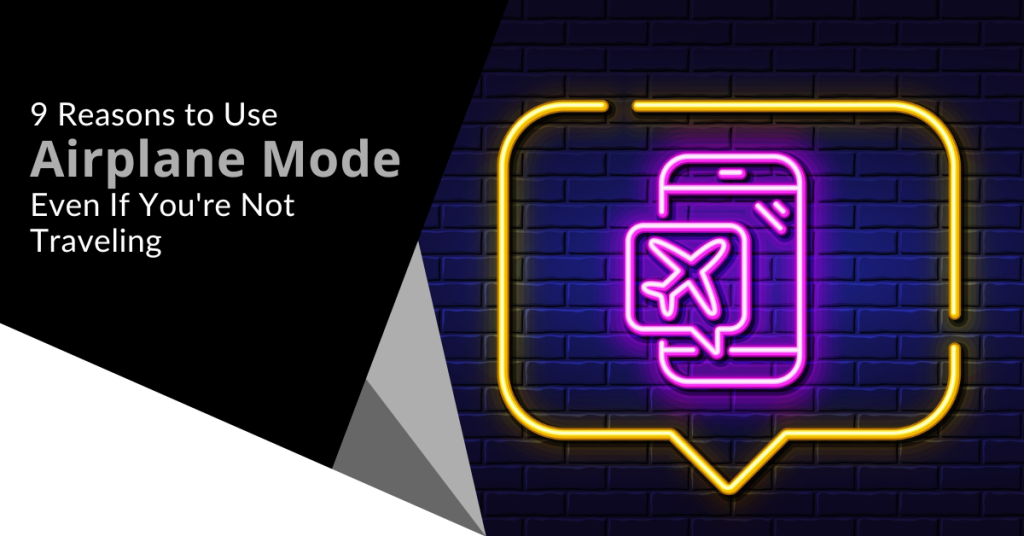
Most people are familiar with their device’s Airplane Mode. You have probably used it when jetting off to exotic locations. Did you know that it is not just for globetrotters?
Airplane Mode isn't only for flying. It can be a handy feature for your everyday life. Here are some top reasons why you should consider toggling it on even if you're not traveling.
1. Save That Precious Battery Life
Who doesn't want their smartphone battery to last longer? Airplane Mode can be your secret weapon against those battery-draining apps. Those are the ones that are constantly running in the background.
By switching on Airplane Mode, you effectively shut down all communication functions. This includes Wi-Fi, cellular data and Bluetooth. This can be a lifesaver when you're running low on battery and need your phone to last until you can find a charger.
2. Boost Your Charging Speed
We have all experienced those moments of panic when our phone's battery is about to die. We desperately need to charge it ASAP. Here is a neat trick: Put your phone in Airplane Mode before plugging it in.
Studies show that phones charge about 4 times faster in Airplane Mode.
By doing this, your phone won't be wasting power on syncing notifications or checking for updates or connecting to networks. As a result, it will charge up faster and get you back in the game in no time.
3. A Tranquil Escape from Notifications
Life can get chaotic and sometimes you need a break from constant pings. Turning on Airplane Mode grants you the gift of peace and tranquility (even if only for a little while). You can enjoy some quality "me" time. All without interruptions from social media alerts or work emails. It is like creating your little digital oasis!
4. Focus Mode: Engaged!
We all struggle with staying focused from time to time. Whether it is work, studying or a creative project, distractions are everywhere. Airplane Mode can be your go-to tool to combat those distractions. By cutting off the internet connection, you will find it easier to concentrate on the task at hand. Next time you need to get in the zone, remember to flip that Airplane Mode switch!
5. Prevent Embarrassing Moments
Picture this: You're in an important meeting. Then suddenly your phone starts blaring an embarrassingly loud ringtone. Oops! Even if the ringer is off, phones often vibrate when getting a call or notification.
Avoid these awkward moments. Use Airplane Mode in situations where silence is golden. You can still use your phone for notetaking or accessing offline content without any fear of accidental disruptions.
6. Roaming Woes, Be Gone!
When you're in an area with poor cellular reception, what happens to your phone? It might tirelessly search for a signal. This can lead to battery drain. Airplane Mode can be a lifesaver in such situations.
By turning it on, you prevent your phone from endlessly searching for a network. This saves precious battery power. It can also keep you from connecting to a dangerous network.
7. A Digital Detox
Sometimes we all need a break from the digital world. It can be to reconnect with loved ones, enjoy outdoor activities or simply be present in the moment. Airplane Mode lets you temporarily disconnect from the online realm while you still have access to your phone's offline features.
8. Avoid Unwanted Radiation
The jury is still out on any health risks of mobile phone radiation. Some people prefer to err on the side of caution. Enabling Airplane Mode reduces your phone's radiation emission. This is because it disables most of the communication features. If you're concerned about exposure, using Airplane Mode can provide some peace of mind.
9. Save Data and Money
If you're on a limited data plan, turning on Airplane Mode can help you manage your data usage as well as avoid unexpected charges. It is a smart move when you're nearing the end of your billing cycle and don't want to exceed your data limit.
Remember, Airplane Mode isn't just for frequent flyers. It is a nifty feature that can enhance your daily life in various ways. It offers longer battery life and faster charging as well as an escape from the constant barrage of notifications. Airplane Mode can be your digital ally in a world that is always connected.
Don't be shy to give it a try and enjoy this underrated smartphone feature even when your feet are firmly on the ground!
Keep Your Smartphone Optimized & Secure
Do you need help securing your smartphone from viruses and attacks? Wish you knew how to use all of its features better? Our team of experts can help with training and device security.
Give us a call today to schedule a chat.
Cybersecurity researchers uncovered an alarming mobile statistic. During the first few months of 2022, mobile malware attacks surged by 500%. This is alarming both in scale and because many people are not yet protecting smartphones.
For years, mobile phones have become more powerful. They now do many of the same functions as a computer but with a much smaller screen. However, people tend to secure their computers better than they do their smartphones.
This is a behavior that needs to change. Over 60% of digital fraud now occurs through mobile devices. That makes them highly risky if proper safeguards are not followed.
Many of these are the same types of protections you have on your computer. It is time to start thinking about your smartphone as a mini-computer and keeping it just as secure.
Tips to Improve the Security of Your Smartphone
Use Mobile Anti-Malware
Your mobile phone needs antivirus/anti-malware too! Malware can and does infect smartphones and tablets. You need to ensure that you have a reliable mobile anti-malware app installed.
Beware of those freebies. Freebies are great when you’re talking about food but not when it comes to security apps. Malware is often hidden inside free apps. These apps are ironically supposed to make you more secure.
Don’t Download Apps from Unknown Sources
Only download mobile apps from trusted sources. Do not download outside a main app store. Trusted app stores include places like:
- Apple App Store
- Google Play
- The Microsoft Store
- Amazon Appstore
You also should research the app developer online. Make sure they have a good reputation. Once you download a dangerous app to your phone, it can infect it with malware. That malware can remain behind even if you delete the app later.
Don’t Assume Email is Safe
Many people prefer checking email on their phone rather than PC because it is so handy. They have a false sense of security about the safety of emails when viewed on a mobile device.
You can’t assume an email is safe just because you’re not on your computer. Be just as wary about unexpected emails and scam emails masquerading as legitimate.
It is difficult to hover over a link without clicking when on a smartphone. If you see something questionable and want to check the link, open the email on your PC where you can do that.
Beware of SMS Phishing (aka “Smishing”)
In March of 2022, text spam outpaced robocalls. Unwanted text messages rose by 30% which is ten percent higher than robocalls. Many of those spam texts are smishing.
Smishing is the text version of phishing. These texts usually contain malicious links. A hacker can potentially breach your device if you click them. The message may also ask you to text back personal information.
Be on the lookout for text messages that don’t quite make sense. For example, getting a shipping notification when you haven’t ordered anything. Also, beware of texts from unknown sources.
Phishing via text message is a growing concern. It is also one that most people aren’t aware of yet so they often get caught in its trap.
Remove Old Apps You No Longer Use
Approximately 2.6 million apps haven’t had an update in a year or more. Apps are often abandoned by the developer. This can leave security vulnerabilities on your device. Hackers seek out these types of vulnerabilities to exploit. If they aren’t addressed, they remain a danger.
Go through your device and remove old applications that you are no longer using. There is no reason to keep them around and potentially leave your device at risk.
Additionally, look at the time of the last update. If it is over a year, you may want to consider replacing that app with something more current. App updates often include security-related items. It is not good when a year or more goes by without the developer making any type of update to the app.
Keep Your Device Updated
Speaking of updates, you also need to keep your device's operating system updated. Are you using the current version of Android or iOS? Not installing updates can mean your phone has vulnerabilities. These vulnerabilities allow hackers to breach your data.
Automate updates when possible. If you have a company with several devices, it is a good idea to include your phones on a managed IT services plan.
Use a VPN When on Public Wi-Fi
Public Wi-Fi is dangerous. Most people understand that but many connect to it out of necessity. You may worry about going over your data plan allotment. Your mobile carrier reception may be slow. Both cases are reasons people opt to connect to unsecured public hot spots.
You can connect to public Wi-fi with less risk if you use a VPN application. VPNs stand between your device and the internet. They route your data through a secure server. This keeps it away from prying eyes that may be lurking on that public Wi-Fi.
Mobile Security Solutions to Prevent a Data Breach
Don’t wait until your phone is infected with malware to secure it properly. We can help you with automated solutions that protect your device, accounts and data. Contact us to schedule a consultation.